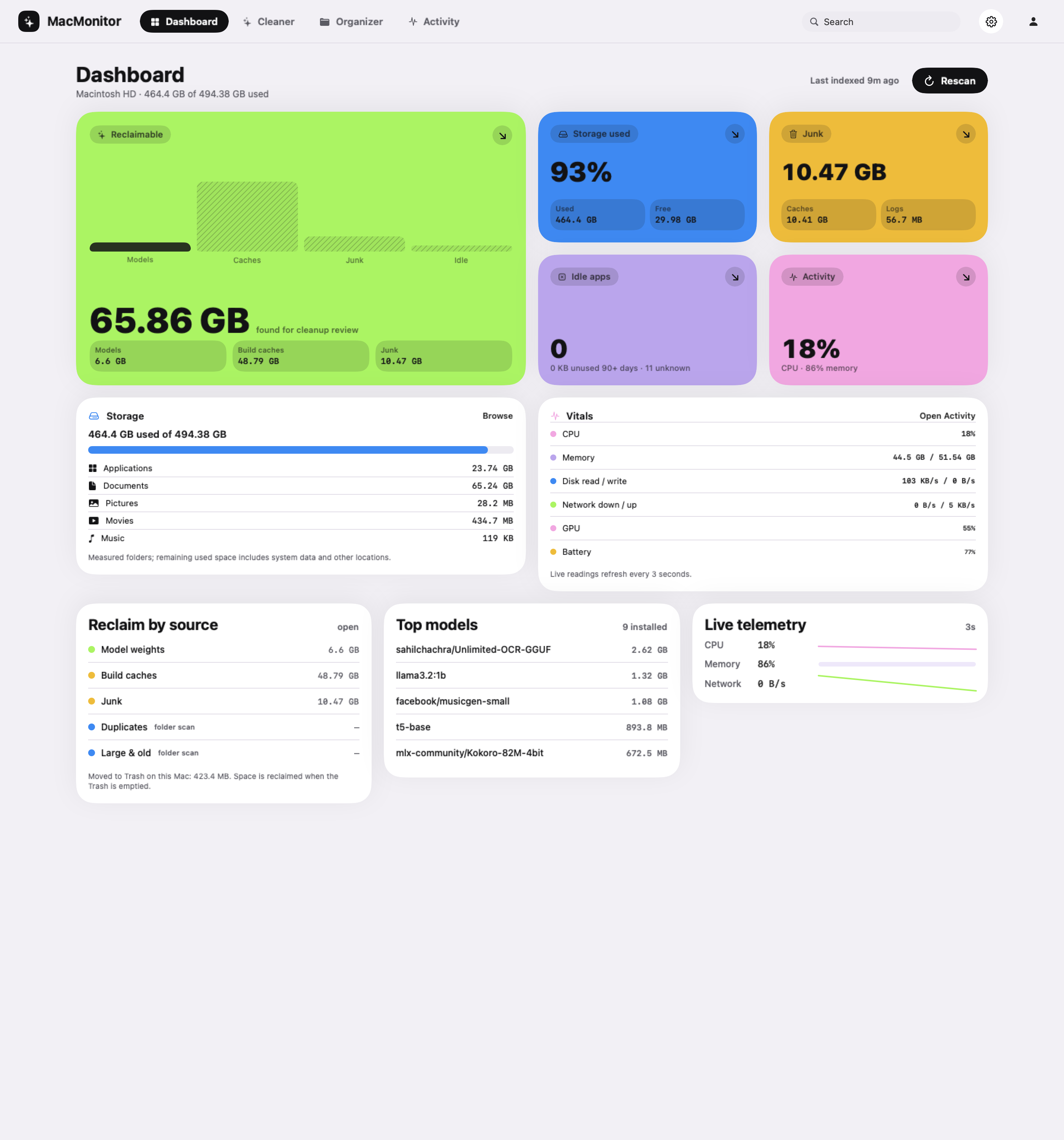
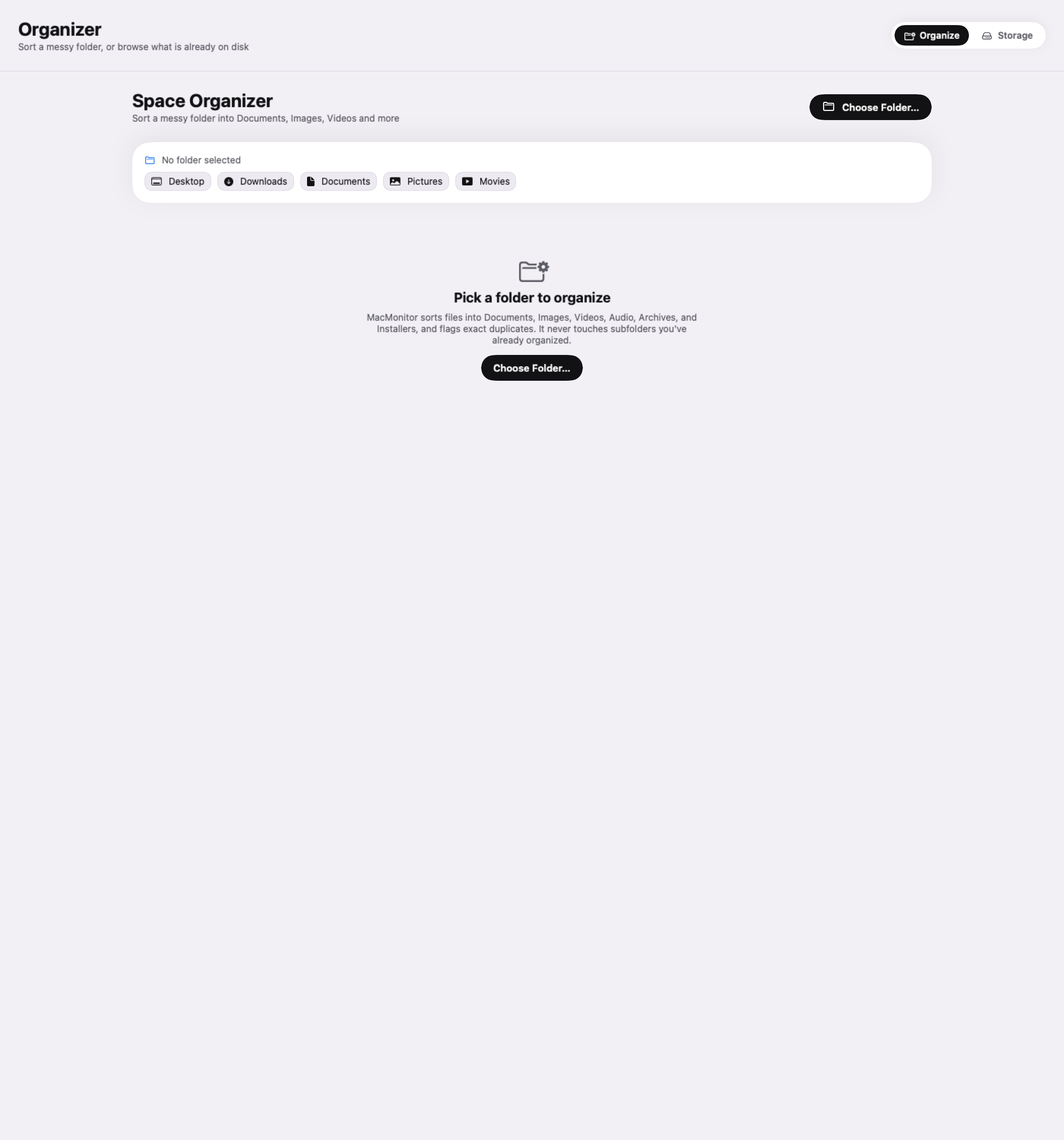
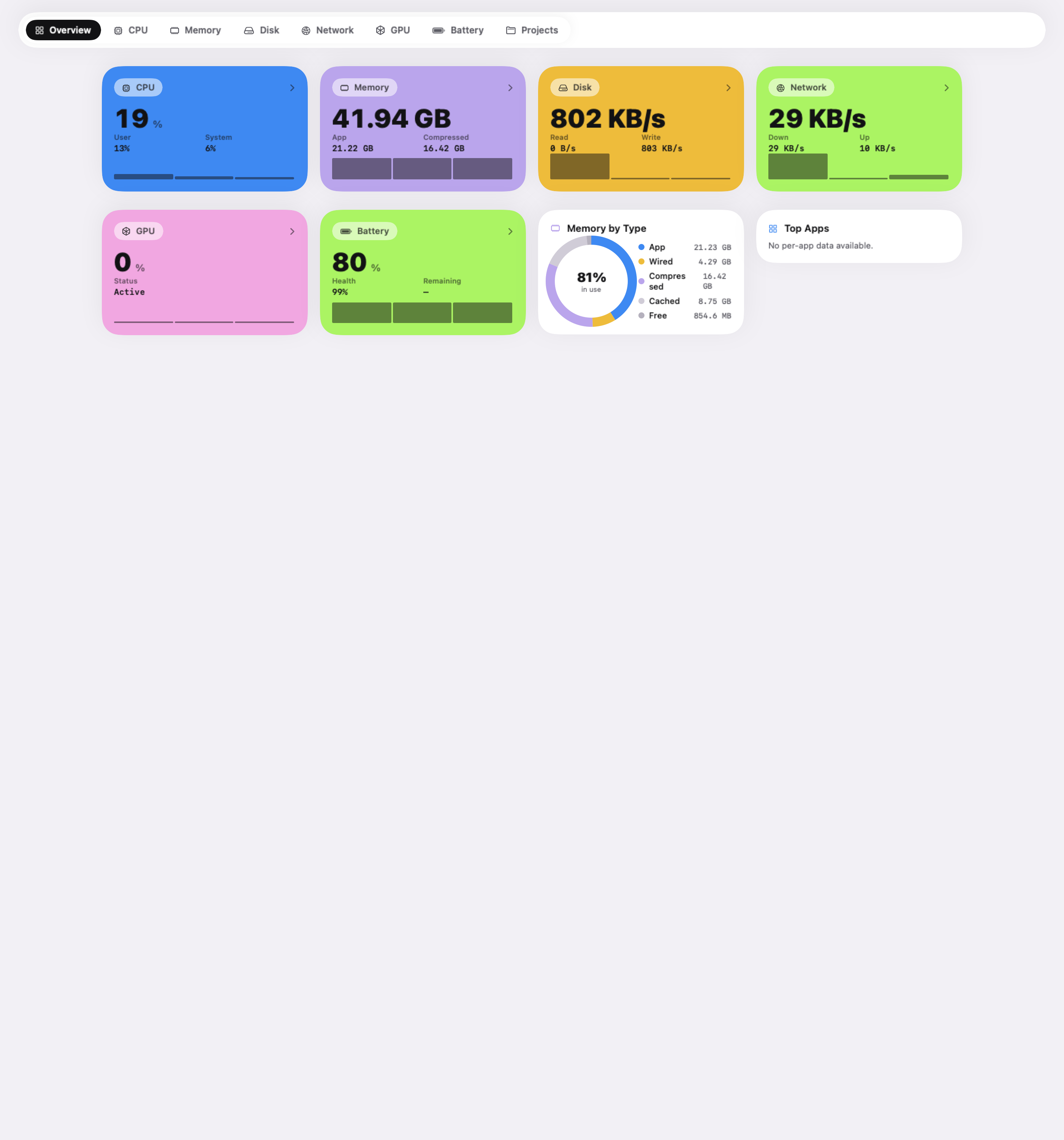
Local scan history gets you back to the overview. Review screens keep you in control of the next step.
01
Remembers the scan
Timestamped local indexes let recent results appear quickly. Manual rescan is there when you need a fresh look.
02
Shows the consequence
Trash moves and permanent deletions are labelled. Moving something to Trash isn’t counted as freed disk space.
03
Keeps the context
Four clear areas, a shared navigation, and a compact menu bar view for a quick check on your Mac.
Good to know
A few straight answers.
Which Macs can run MacMonitor?
The current build targets macOS 26 or later. The first release is being prepared for direct download. Available readings vary by hardware and permissions.
Can I install and remove local AI models?
Model Vault currently discovers installed models from Ollama, LM Studio, and the Hugging Face cache and lets you review permanent removal. Installing models inside MacMonitor is planned; use your existing model tool to install them today.
Does the Organizer move files automatically?
No. Choose a folder, inspect the proposed organization, and approve the changes. Collisions and duplicate retention are checked as part of the flow.
How does Activity differ from a simple CPU widget?
Activity combines subsystem views with per-app resource usage and local listening processes. You can explore CPU, memory, disk, network, GPU, battery, and projects from one area.
Does cleanup delete anything on its own?
No. Cleanup requires your action. Some categories move items to Trash; model removal is permanent and explicitly confirmed. Files in Trash still occupy space until Trash is emptied.
When can I download it?
The direct build is in active development. A verified download and confirmed pricing will appear here when the release is ready.
Your next Mac habit
More room. More possibility.
MacMonitor brings the whole picture together. The direct Mac release is on its way.